Verify entries to your events by validating both digital tickets (purchased from our website or our app) and paper tickets (printed from our cashier system) using our Manager app, which is certified in Italy as a compliant automated access control system by the Revenue Agency and SIAE.
You can verify access using one or more devices, even at the same time. An internet connection is required.
Download the Manager access control app
Follow the link depending on the device you are using:
- for Android, on Google Play
- for iOS (iPhone), on the App Store
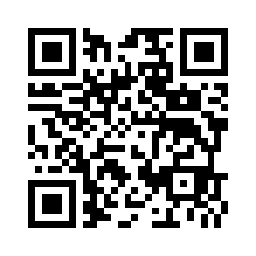
Or scan the following QR code with your smartphone:
Logging into the app
You can log into the Manager app using your Evients email and password, or you can use a one-time code valid only for the current event (useful if you delegate access control to other people).
To generate a one-time code, go to the Manager section of the website > Box Office > select
the event > Access Control tab and click on New code.
Use the generated code by tapping the Use an access code button on the app home screen.
Scanning tickets
Once logged in, select the event, apply any filters to the ticket types you want to accept, and open the Validate
screen from the bottom navigation menu.
Each ticket has a unique QR code: once a ticket has been validated, it cannot be reused to enter the event.
Monitoring access
You can always monitor how many tickets have been validated in real time, through the Manager section of the
website > Box Office > select the event > Access control tab.